
Download
ImposeFlow
Install the version for your computer, create an account and start working with your PDFs. The 7-day trial requires no card, and trial PDF exports carry no watermark. The app interface is in Turkish.
Need the previous version? 1.0.32
First launch on a Mac: the Mac version is not yet notarized by Apple, so you need to allow it once. 1) Open the downloaded file and drag ImposeFlow into Applications. 2) Open ImposeFlow and close the “could not be verified” message. 3) In System Settings → Privacy & Security, click Open Anyway next to “ImposeFlow was blocked” and enter your password. After that it opens normally. To pick the right installer, open Apple menu → About This Mac: “Apple M…” means Apple Silicon, “Intel” means the Intel installer. The Mac version has no Label module.
Inside the app
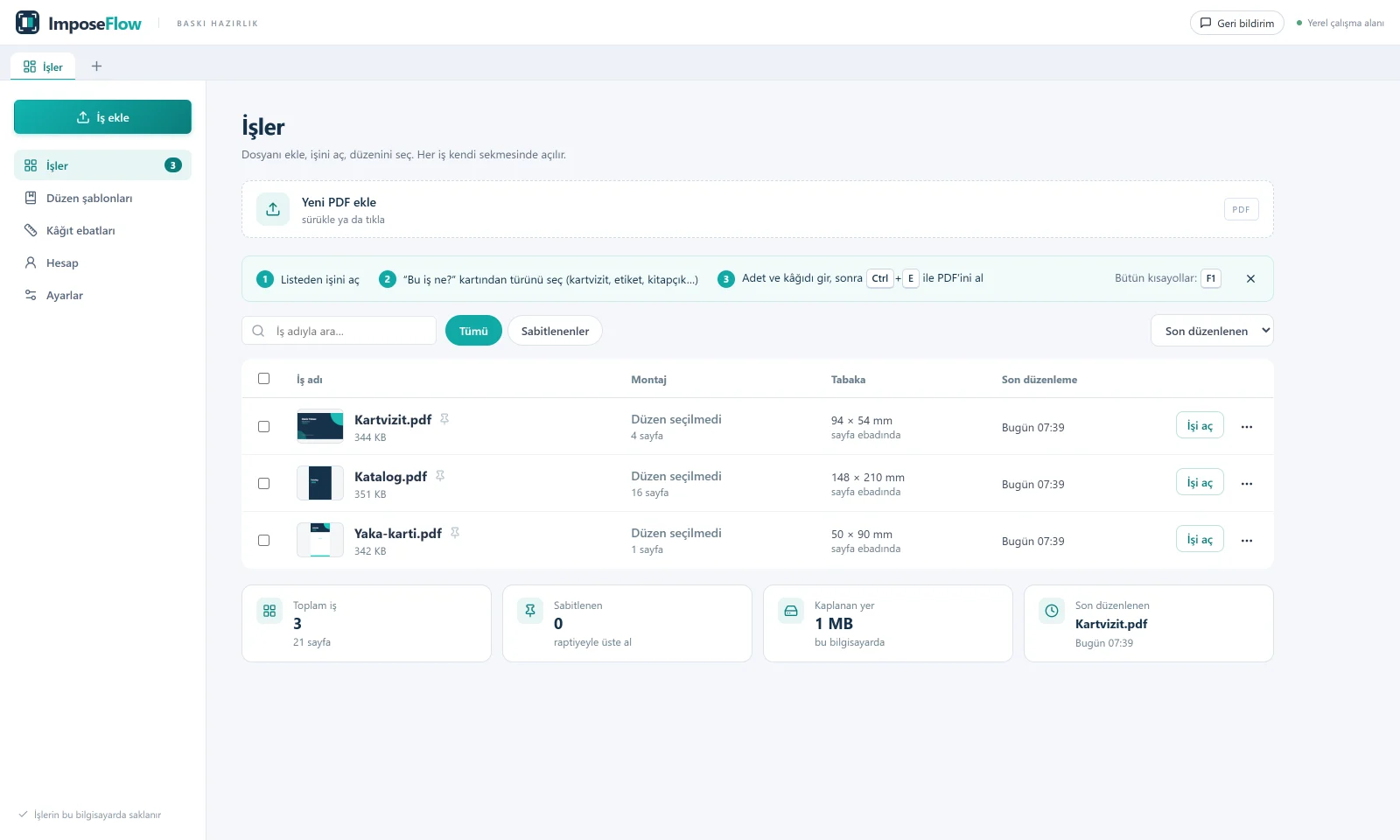
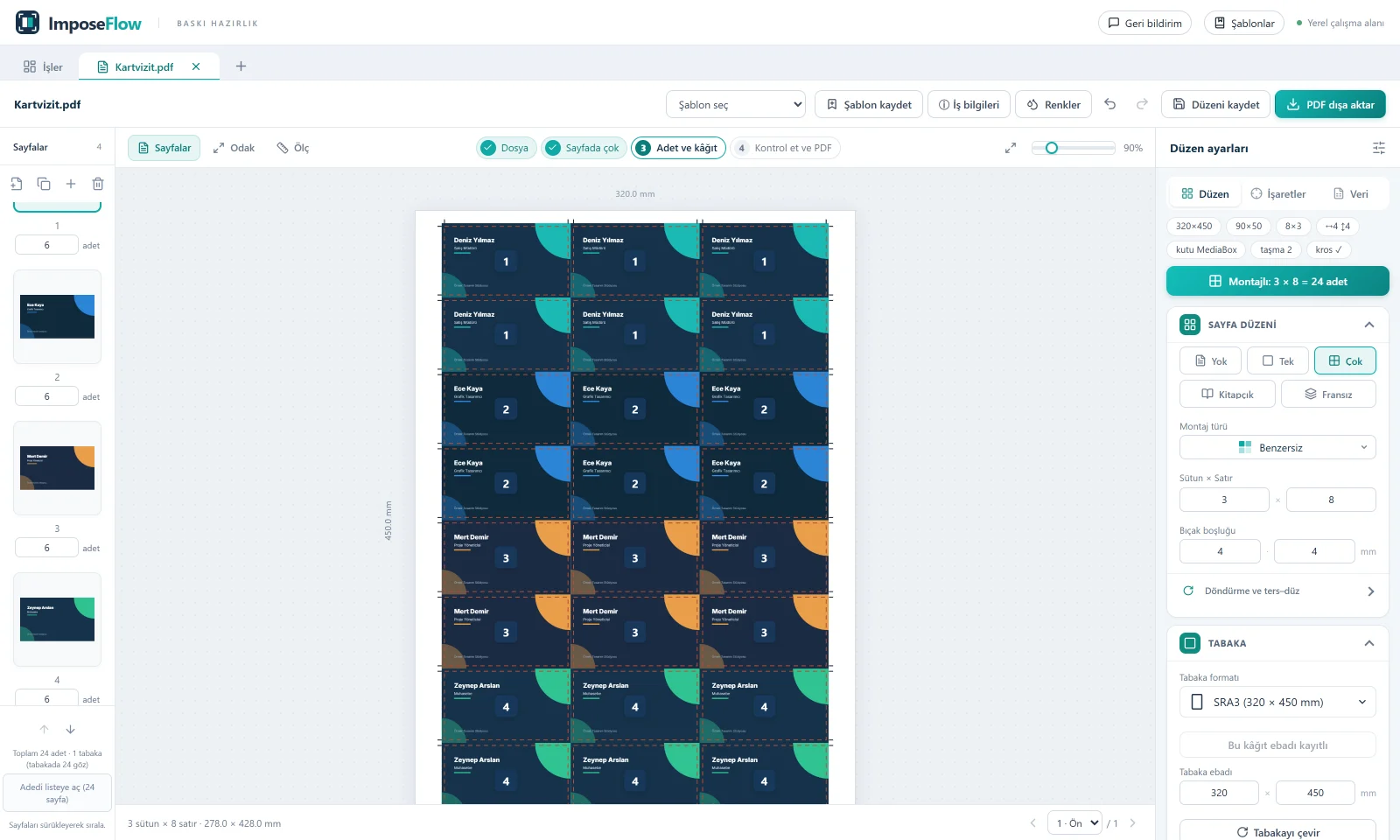
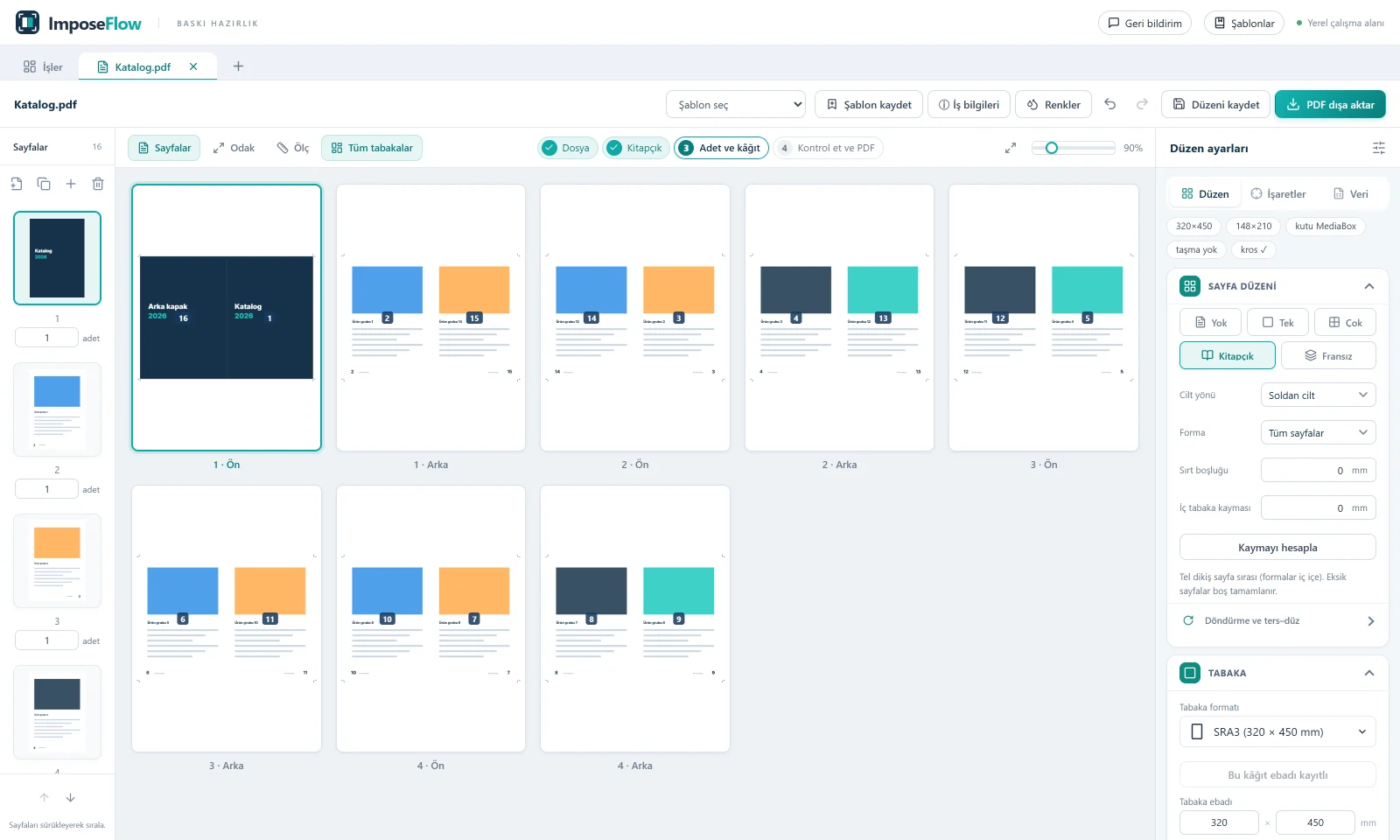
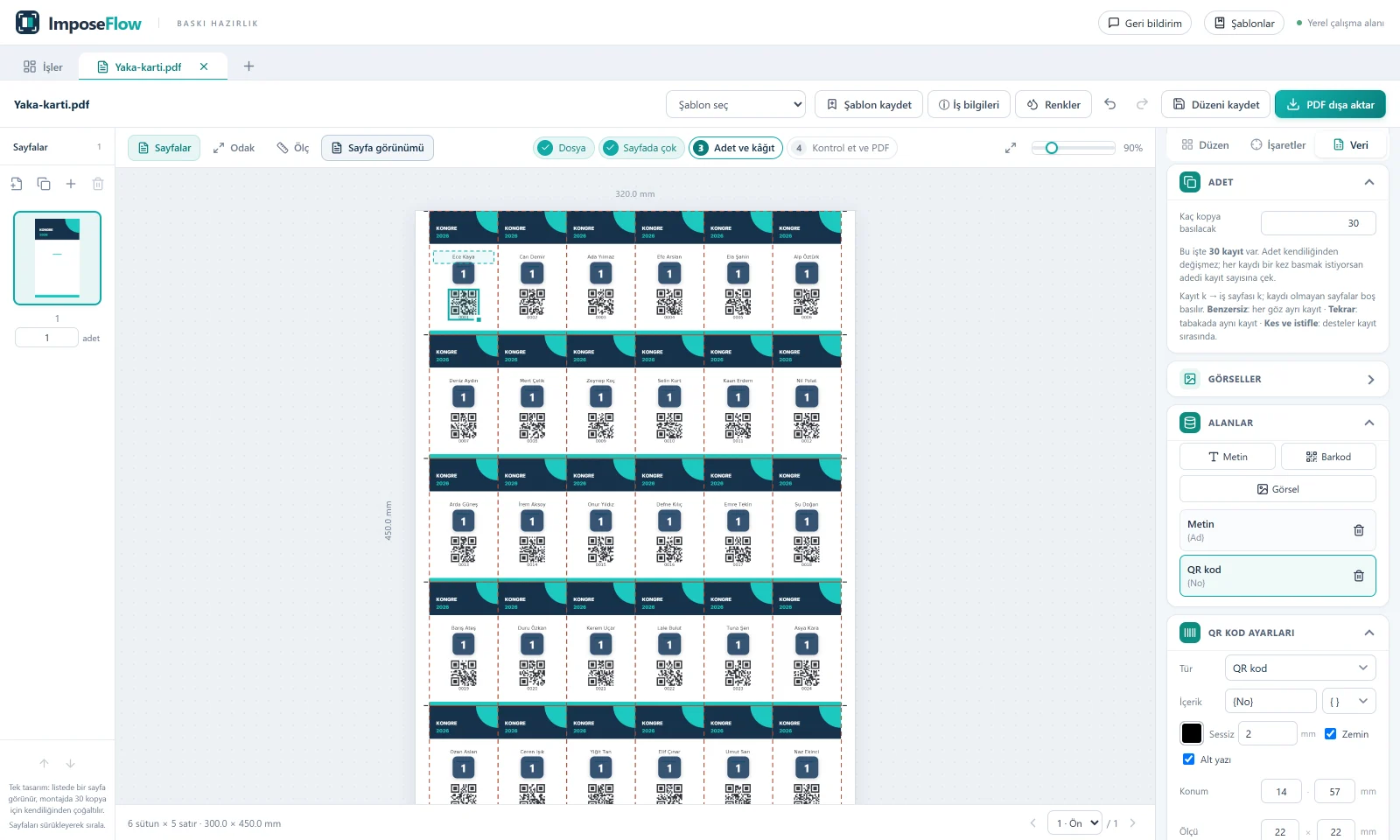
Screenshots from version 1.0.21. The app interface is in Turkish. Names in the sample jobs are made up.
Before you install
“Unknown publisher” warning
The Windows installer is not yet code-signed. Windows may therefore show an “Unknown publisher” warning during installation.
Updates
The app notifies you when a new version is available. Download and install the new package to update.
File storage
Your jobs, PDFs and layout settings are stored on your computer. An internet connection is used for account, license and version checks.
Prepare your first job
Sign in and add your PDF. Choose the sheet size and imposition layout, then check the preview.